
Restaurant hiring and training
From interview
to first shift.
Maxuod Ready helps restaurants assess job candidates and train new hires by station. Teams can share a menu across locations and check each order against their location’s dish photos and portion rules.
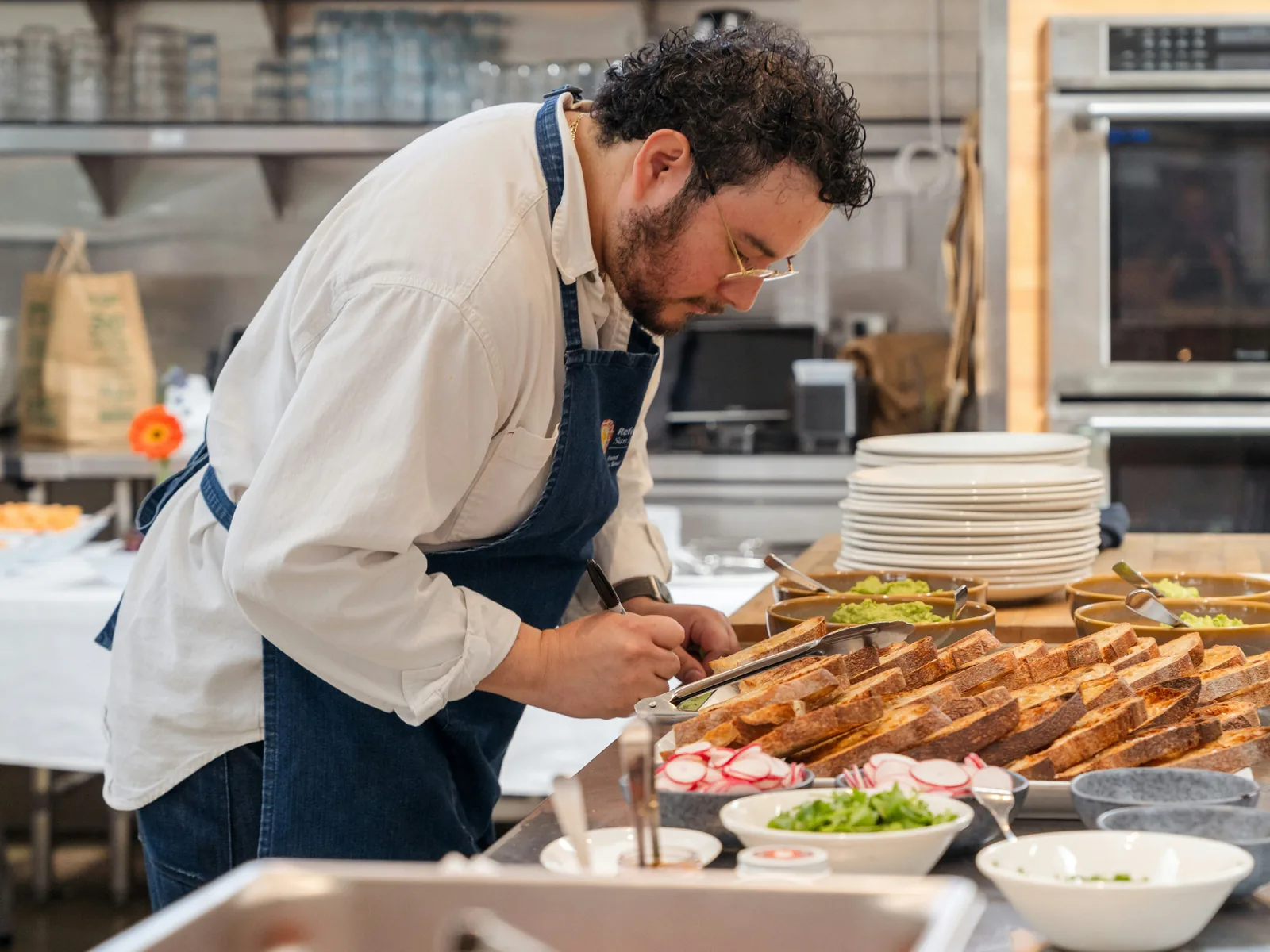
- Recognise the café orderCorrect
- Match the dressing to the bowlReview
Take a turn at the counter
Choose a shop. Use the photo, ticket and house standard to make the call.
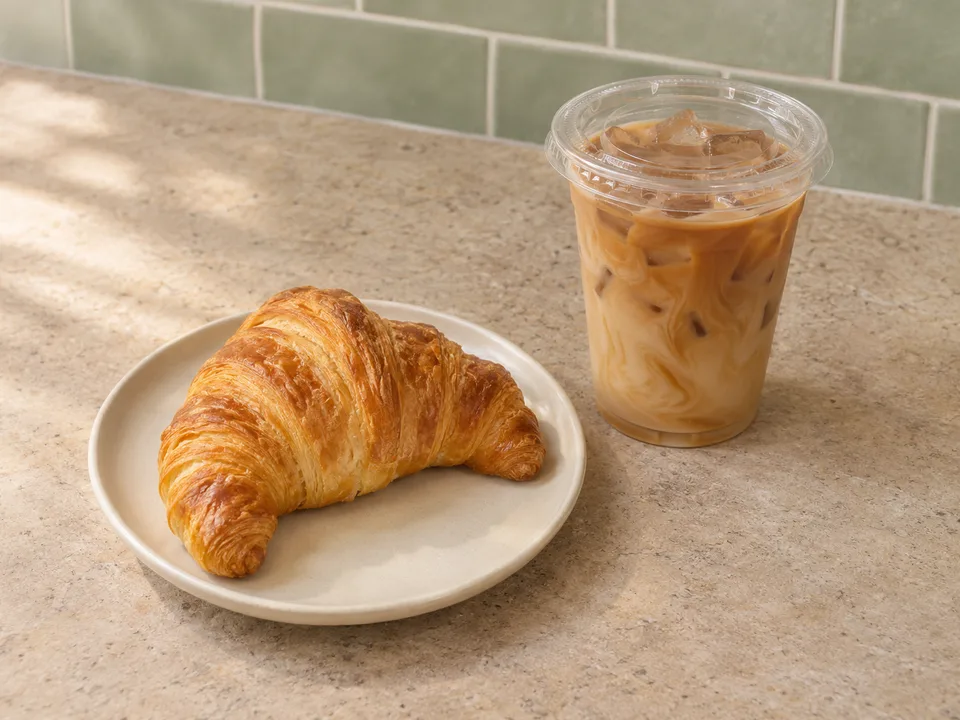
| Qty | Item | Amount CAD |
|---|---|---|
| 1 | Breakfast duo · Counter pickup | $8.75 |
| Total | $8.75 | |
Look at the pickup counter. Which pair would you call out to the guest?
Fictional shops and generated food photos. This anonymous practice stays off employee records.
How a manager prepares a new hire
Assess candidates for the station
Send a short skills check before the interview. Discuss the answers together. After hiring, link the employee record to keep the original results.
Coach through the first shifts
Assign practice and tests by station and level. If a new hire misses a side on a ticket, practise the handoff together on their next shift.
Set the standard across locations
Share the menu and mark location specials. When someone asks how many sauce cups to pack, check the order against the location’s approved portion rule and reference photo.
Using the public demo
- Can I import my restaurant’s menu here?
- The demo uses Harbour Kitchen’s sample menu. Try offering a dish at both locations or reserving it for just one. Importing your own menu requires a connected manager workspace.
- Where does the sample test score go?
- You can review each answer on the results screen. Closing the sample test clears the score. To save results in an employee’s record, a manager must issue the test from a connected workspace.